
Block invites are live: share one schedule item without sharing the whole project
Send one block to the people who need it, keep the full schedule private, and give recipients fast calendar add paths for Apple/ICS, Google, and Outlook.
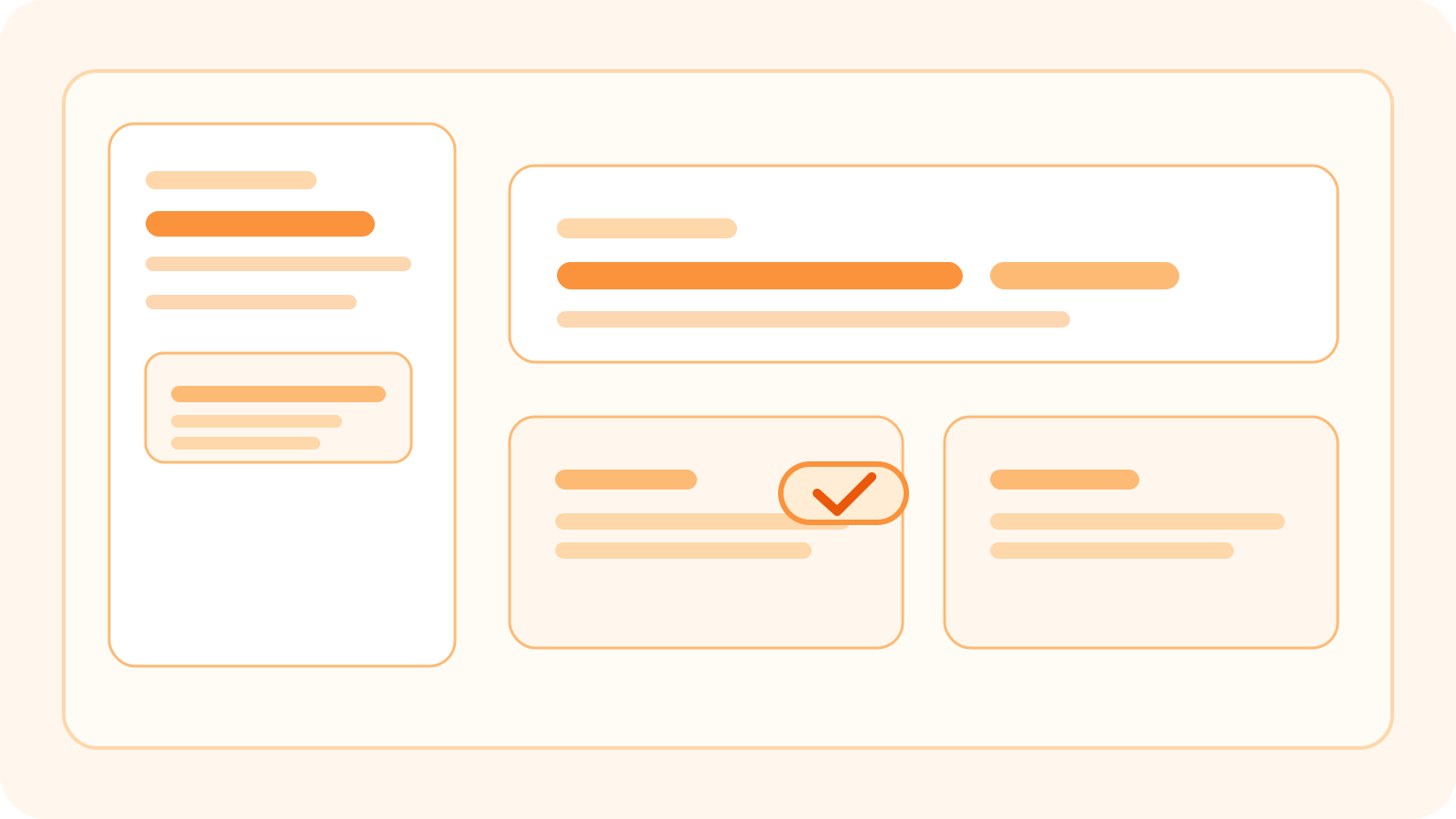
Block invites are live
One-off handoffs happen all the time in production.
Sometimes someone only needs one call, one pickup, one delivery, or one schedule item. They do not need access to the full project just to get that detail into their calendar.
Block invites are built for that moment.
What ships in this release
- Send block invites directly from a schedule item.
- Email one or more attendees without creating full project access.
- Generate a share link for the block invite response page.
- Offer calendar add paths for Apple/ICS, Google, and Outlook.
- Resend an invite if someone missed the original message.
Why this matters
Most production sharing problems are not all-or-nothing.
The team running the schedule still needs the live plan. A contributor, freelancer, or external contact often only needs one item from it. Before this, that usually meant a manual email, a copied calendar entry, or more project access than the situation really needed.
Block invites keep the live schedule central while giving that narrower handoff a proper path.