
21 March 20264 min read
Team Planner saved views: keep the portfolio cuts your team reuses
Save recurring Team Planner filters for categories, projects, and folders so the same portfolio view is ready when your team comes back to it.
By Planner team
LaunchTeam PlannerSaved Views
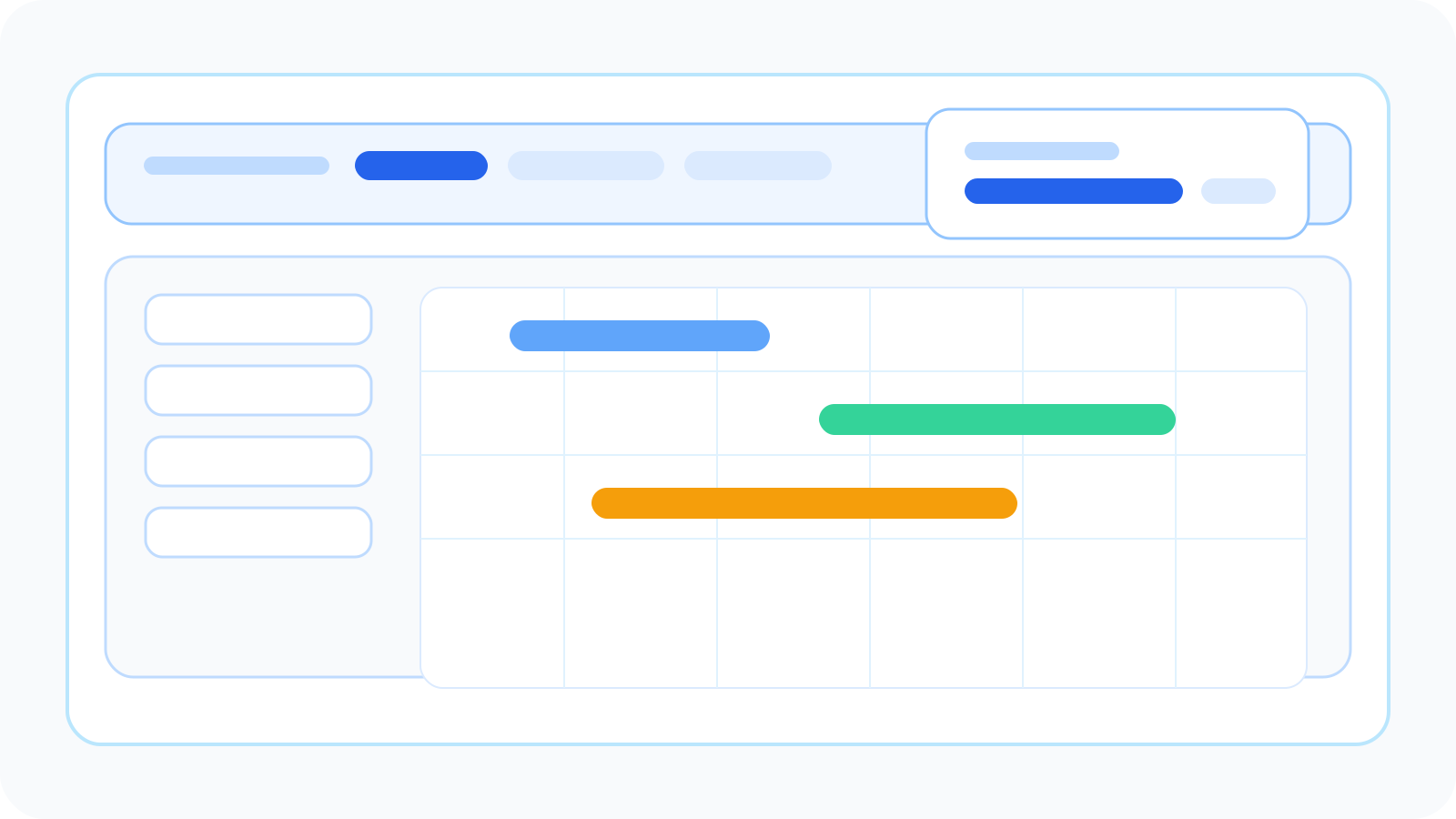
Team Planner saved views are live
Team Planner gets more useful when the same cross-project questions come up again and again.
Which productions are in post right now? Which client folder is under pressure this month? Which portfolio slice does leadership review every week?
Saved views are for that repeat work.
What ships in this release
- Save the current Team Planner filter setup as a named view.
- Build those views from categories, projects, and folders.
- Switch back to a saved view without rebuilding the same filter mix manually.
- Update a saved view from the current filters when the scope changes.
- Rename or delete views from the header.
Why this matters
Cross-project planning breaks down when the setup work becomes a routine of its own.
If a team has to rebuild the same portfolio slice every time they open Team Planner, the cross-project layer starts to feel like another admin step. Saved views keep the useful slices close so the review can start faster.